
Faster blog posts thanks to AI: how Letterly and Speakly are changing my day-to-day work
Anyone who writes a lot on the computer knows this: I'm already pretty fast on the keyboard. But dictation is even faster. That's exactly why I discovered the Letterly app - and I'm thrilled. With Letterly, I can simply speak my thoughts, the app transcribes everything and lets the AI process the text linguistically. The result: appealing, readable content without me having to type for a long time.
Versatile: from blog to LinkedIn
The beauty of this method is that I can use my spoken texts not only as blog posts, but also for LinkedIn articles, Facebook posts, landing pages or even entire emails. Every medium has its own characteristics and target groups - with Letterly, I can adapt content in a targeted manner and without much effort.
Authentic and efficient
What I particularly like is that the AI doesn't invent anything. It only edits what I have actually said. This means I retain control over the length and content of my posts. Nothing is artificially inflated or hallucinated. This gives me the certainty that my message remains authentic.
Virtual assistance for everyday life
For me, it feels like a virtual assistant that does the work for me. I can simply speak my ideas into the microphone and don't have to worry about losing anything. That's also how the idea for „Webgedanken“ came about - a blog that documents our day-to-day agency work and introduces tools.
More than just transcription
The tool can record, transcribe and automatically assign entire conversations with several speakers. It creates meeting summaries, action points and to-dos. Particularly practical: after editing, I can publish the finished text directly as a WordPress blog post - thanks to a Zapier interface that connects Letterly and WordPress. This way, the draft automatically ends up in the dashboard.
Of course, I could also use Zapier to access an image generator that creates a suitable post image. But for me personally, that's going too far - I'd rather keep the visual design in my own hands. That way, I can add my own images and let the AI prepare the text without losing control.
How do you use AI?
Do you already use AI to transcribe content or take work off your hands? For me, it's a great relief to simply speak into the microphone and get a blog post directly from it.
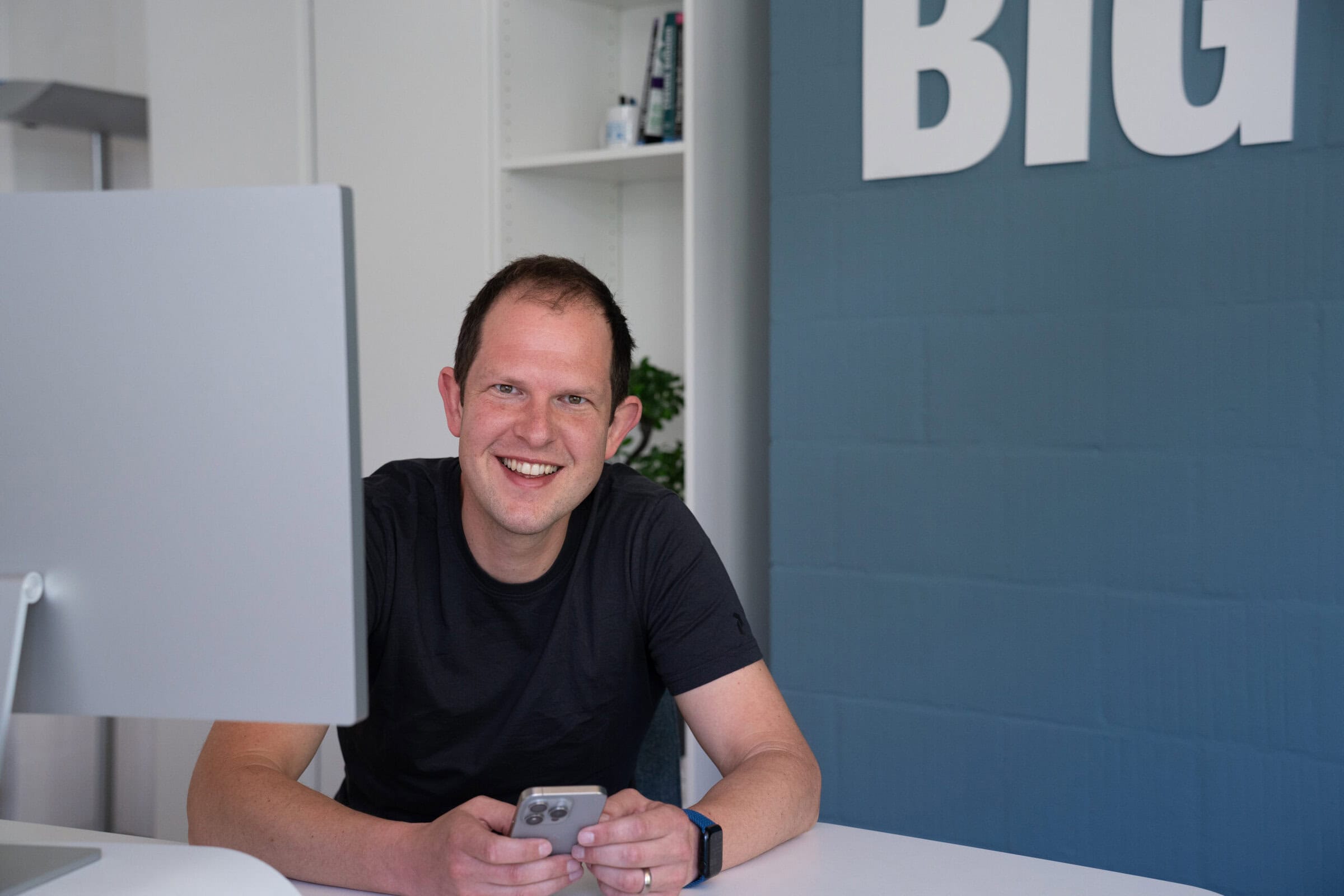
Michael Salzer
WordPress professional, Apple fan and irregular jogger.