
The excerpt is a small outline of the actual content of the blog post. The “Text excerpt” field can be displayed using “Customize view”.
We'll show you how to enable the excerpt in WordPress without Gutenberg here:
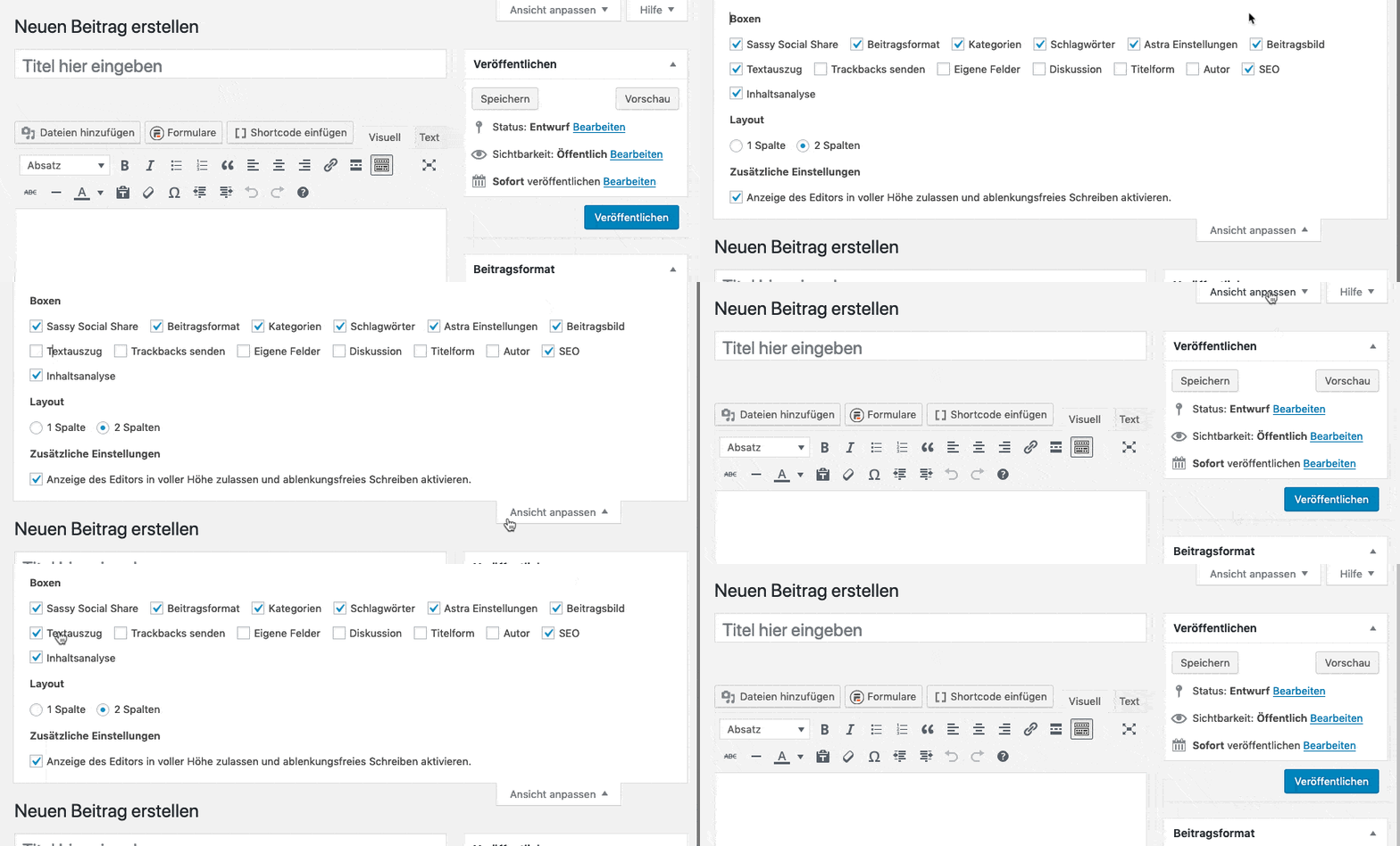
In the Gutenberg editor, the field is called “Text excerpt” and is located in the right-hand column in the document area.
Interested in other topics? Here we have a few more suitable explanations.