
SEA, SEO
Auszug / Excerpt
The excerpt is a brief teaser of the actual content of the blog post. The “Excerpt” field can be displayed using “Screen Options”.
We will show you here how to use the excerpt in WordPress without Gutenberg activate:
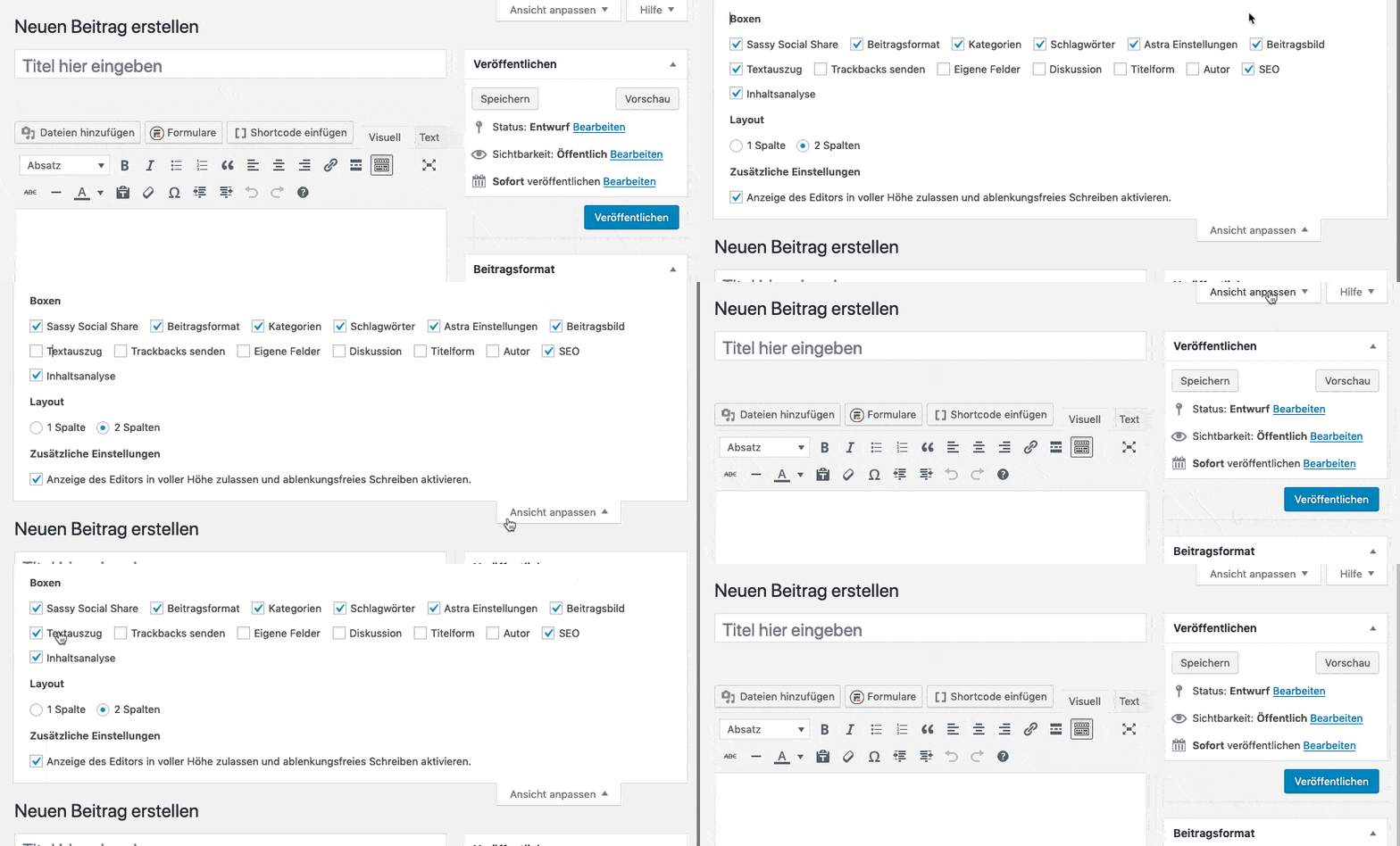 In the Gutenberg editor, the field is called “Text excerpt” and is located in the right-hand column in the document area.
In the Gutenberg editor, the field is called “Text excerpt” and is located in the right-hand column in the document area.
The excerpt is displayed wherever posts appear in an overview, such as on the blog page or in a Widget with the latest articles.
Not to be confused with the meta description: The snippet appears on the website itself, the description in the search engine results. If the field is left blank, WordPress automatically uses the first lines of the post.
Read how we build websites with it at Web design with WordPress.
Other topics
Interested in other topics? Here we have a few more suitable explanations.